
Platform

Operations

After every call: a transcript, a result, a task when needed — and the numbers to keep your agents getting better.

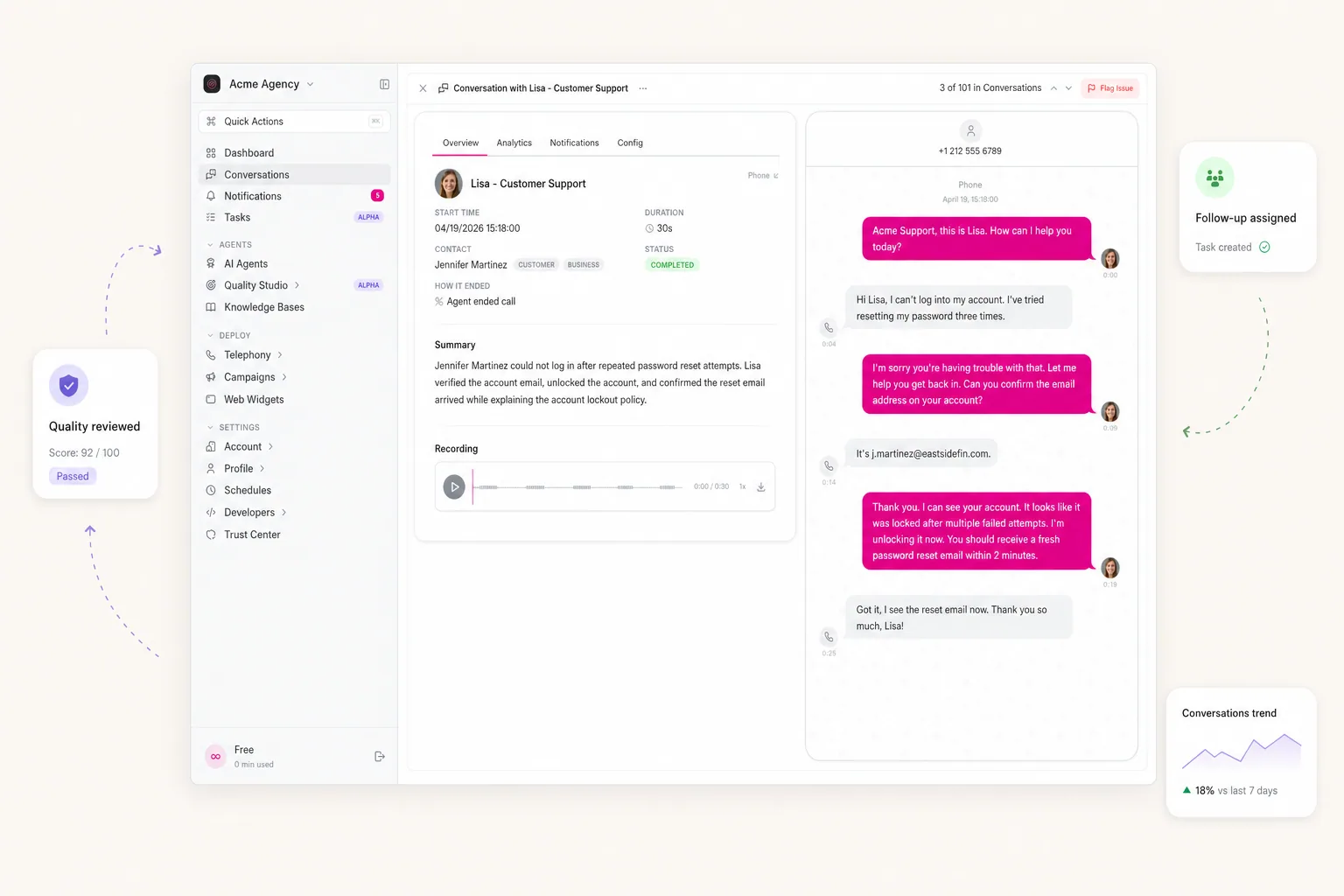
itellicoAI conversation detail — transcript review, summary, and follow-up tasks

Operating loop

What teams do once calls start running.

History, usage, follow-up tasks, and quality review — turning every conversation into clear next steps, fixes you can trace, and numbers you can report on.

01 / 04

Conversation History

Your call history is the source for everything else — review, reporting, audits, and pulling data into your other systems.

  • Every call comes with a full transcript and audio — listen back or re-read at any time
  • Filter by agent, status, channel, duration, or whether the call reached its goal
  • Export single calls or whole batches to Excel or CSV for your reports
  • One click sends a weak answer straight to Quality Studio for review

Recent Conversations

  • Pieter de Vries
    8m 0sJust now
  • Jennifer Martinez
    4m 0s12m ago
  • Thomas Müller
    1m 35s38m ago
  • Laura Fischer
    6m 22s1h ago
02 / 04

Analytics & Usage

Know what every call achieved — without listening to all of them.

  • Set goals for every call ("did we book the appointment?") — each call gets a clear pass or fail
  • Pull out exactly the answers, ratings, summaries, and categories you actually need from each conversation
  • Get a Slack message, email, or alert into your own systems based on how each call went
  • Switch on the premium analysis for tricky cases that need a closer look

Last 7 days

94.7%

Resolution

78.3%

Goal rate

880ms

Latency

03 / 04

Tasks & Follow-up

Turn call outcomes into assigned work instead of burying them in transcripts or call notes.

  • Tasks are created automatically after each call — or by your team in one click
  • Assign owner, priority, due date, and start time
  • Visual board with “To do”, “In progress”, and “Done” — drag and drop to move things along
  • Every task links back to the original call — full context is one click away

Open Tasks · 3

  • Callback Thomas Müller

    Enterprise pricing

  • Follow-up Laura Fischer

    Free plan eval

  • Send proposal — Acme

    Discovery

04 / 04

Quality Studio

Every AI needs training. Spot errors and weak spots — then work through them in a structured way.

  • Mark errors or weak spots in any conversation — they become tracked tickets, linked to the source call
  • AI suggests title, description, and severity — categorizing takes seconds, not minutes
  • Standardized workflow moves every ticket from open through resolved
  • See at a glance which agent is improving and where new issues are stacking up

Issues Breakdown

  • knowledge-base
    9
  • accuracy
    7
  • cal-com
    4
  • escalation
    2

Next step

Stay on top of every call.

See what happened, what to follow up on, and where your agents can get better.

Try it for free

30 free minutes · No credit card